






Orca One for Mac
- Trial version
- 4.1
- V0.1.0
Download for Mac
View an ad to download for free

- DigitalCarbon
Private AI dictation and meeting notes for Mac, powered on device
Orca One is a private AI dictation and meeting notes app for Mac. It combines voice typing, meeting transcription, and a voice launcher in one app, with speech recognition running on your Apple silicon Mac.
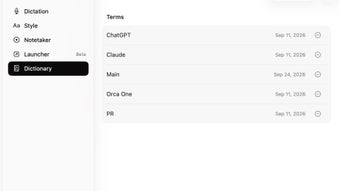
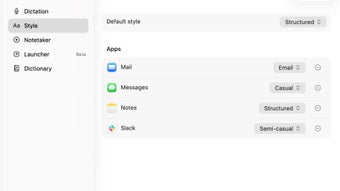
Use dictation to turn spoken thoughts into text in the app where you are working, such as an email, message, document, or note. App-specific writing styles let you use different formatting for different destinations, while a custom dictionary helps with names and specialized vocabulary.
Notetaker captures meetings without adding a bot to the call and produces transcripts with speaker labels. You can keep, search, and export your recordings and transcripts for later reference. Saved work remains available after the free trial ends.
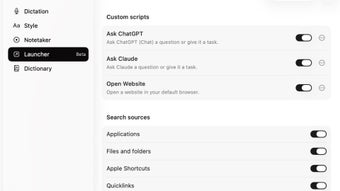
The Launcher, currently in beta, lets you open apps, files, and links by voice. Optional AI-agent connections can make selected notes available to compatible tools for summaries and follow-up work. Summaries are handled by the connected agent rather than built into Orca One. Information you choose to share is subject to that service's own privacy practices.
Dictation and meeting transcription work offline after the initial model downloads and activation. Orca One requires an Apple silicon Mac running macOS 15 or later. The free trial includes 2,000 dictation words and three Notetaker recordings. A one-time purchase unlocks continued use on one Mac with no recurring subscription and includes future Orca One updates.
Loading…
App specs
Developer
- DigitalCarbon
License
Trial version
Version
0.1.0
Latest update
Platform
Mac
OS
Mac OS X
Language
English
Size
69.71 MB
Orca One for Mac
- Trial version
- 4.1
- V0.1.0
Download for Mac
View an ad to download for free
User reviews about Orca One
Have you tried Orca One? Be the first to leave your opinion!
Add reviewTop downloads Document Management for Mac
Top downloads Document Management for Mac

Adobe Reader DC
Edit, manage and read every document there is

ABBYY FineReader PDF for Mac
Comprehensive PDF conversion and editing software for macOS

Mangayomi
Comprehensive Manga and Anime Management App

Adobe Acrobat XI
Professional PDF authoring and management tool

Adobe Acrobat Reader DC
Comprehensive PDF Management with Adobe Acrobat Reader DC
Top downloads Document Management for Mac
Related topics about Orca One
Latest articles

X gets US backing over EU DSA fine: Washington seeks to join appeal

Apple’s iPhone 18 Pro gains ground in India: demand jumps nearly 20%
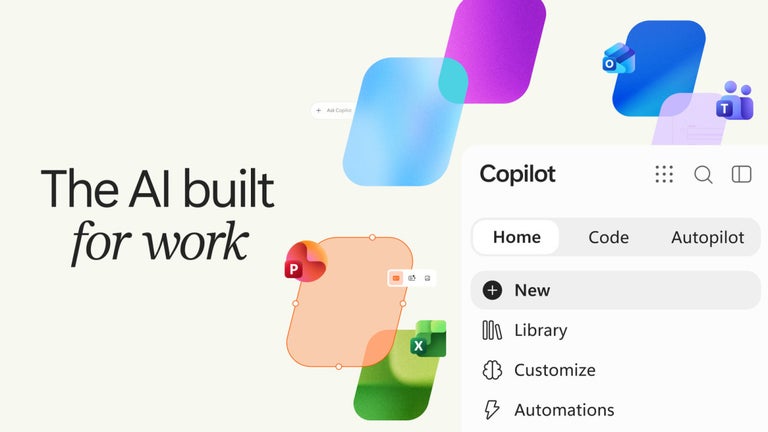
Microsoft Copilot gets a major redesign: Home, Code and Autopilot roll out

Warzone Season 1 adds a toggle to hide other players’ skins

Legion surges into Tubi’s U.S. top 10 on free streaming
Laws concerning the use of this software vary from country to country. We do not encourage or condone the use of this program if it is in violation of these laws. Softonic may receive a referral fee if you click or buy any of the products featured here.